How to Remove Multiple Friends on Snapchat at Once
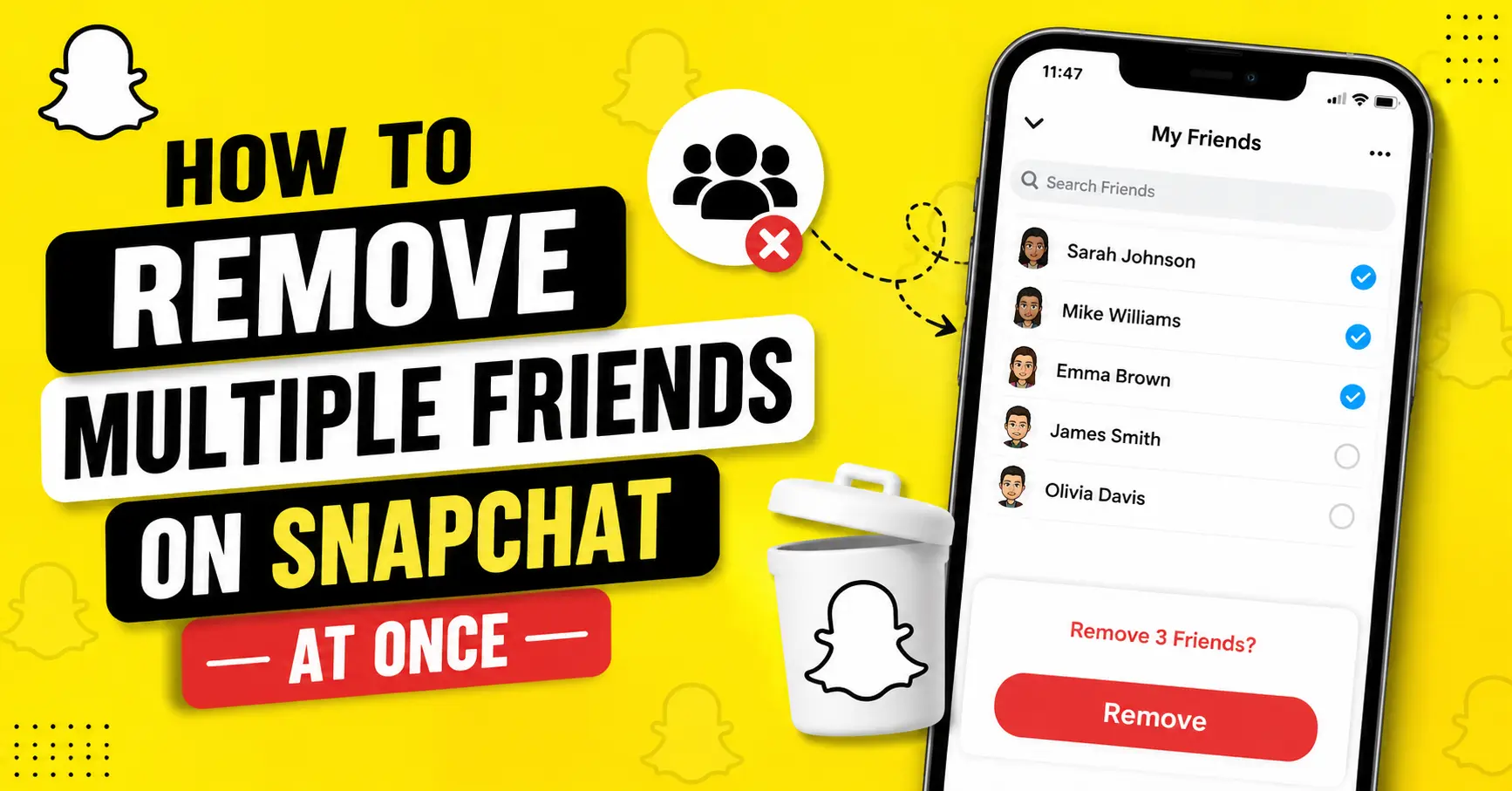
If you have a long Snapchat friends list and want to clean it up, you may wonder whether you can remove several people at once. Unfortunately, Snapchat does not currently offer a built-in option to remove multiple friends at once. Snapchat doesn’t offer a “Select All” or bulk-unfriend button.
The available method is to remove friends individually. However, you can make the process quicker by using Snapchat’s search and friendship-management options instead of scrolling through your entire list. Learn more here about Snapchat Planets.
Can You Remove Multiple Friends on Snapchat at Once?
No. Snapchat does not currently let you select multiple friends and remove them in one action. If you want to clean up your friends list, you need to remove each person individually.
Snapchat’s official support instructions provide a method for removing a friend through their profile or from the Chat screen, but they do not provide a bulk-removal feature.
This means apps or websites claiming to provide an official “remove all friends” button should be treated carefully. Snapchat does not provide such a feature within the standard app.
How to Remove Friends on Snapchat One at a Time
Although you cannot remove multiple friends together, removing individual people only takes a few taps.
Remove a Friend From the Chat Screen
In the current Snapchat app, you can generally remove someone through your Chat list:
- Open Snapchat and sign in.
- Swipe right from the Camera screen to open Chat.
- Find the person you want to remove.
- Press and hold their name.
- Tap Manage Friendship.
- Select Remove Friend.
- Confirm the removal if Snapchat asks you to do so.
You can repeat these steps for each person you want to remove.
Snapchat’s interface can change with app updates, so the exact placement or wording of an option may occasionally look slightly different.
Remove Someone From Their Profile
You can also remove a friend from their profile:
- Open the person’s profile.
- Tap the three-dot menu in the upper-right corner.
- Choose Manage Friendship.
- Tap Remove Friend.
- Confirm your choice.
This method is useful when you already know the person you want to remove and don’t want to search through your full friends list.
What’s the Fastest Way to Remove a Lot of Snapchat Friends?
Since Snapchat doesn’t have a bulk removal feature, the quickest approach is to make the individual process as organized as possible.
If you’re removing a large number of people, try this workflow:
- Decide who you want to remove first. Don’t start deleting randomly while scrolling.
- Use Snapchat’s search feature when you already know someone’s username.
- Remove people one at a time through Manage Friendship.
- Work through your list systematically so you don’t accidentally skip people.
- Double-check usernames before removing someone, especially when several accounts have similar names.
There is no need to use a third-party “mass remove” service simply because you have a large friends list. Snapchat’s own app provides the supported method for removing individual friends.
How to Unadd Multiple People at Once on Snapchat
If you’re specifically searching for a way to unadd multiple people at once on Snapchat, the answer is the same: Snapchat currently requires you to remove friends individually.
You cannot select several accounts and tap one button to remove them all.
A practical workaround is to search for each person and use Manage Friendship → Remove Friend. It isn’t a true bulk-removal feature, but it can be faster than manually scrolling through your entire list.
Be cautious of websites, browser extensions, or unofficial apps that claim they can automatically remove hundreds of Snapchat friends. If a service asks for your Snapchat password, login code, or other account credentials, don’t provide them.
What Happens When You Remove Someone on Snapchat?
Removing a friend changes your connection with that person, but it isn’t the same as blocking them.
According to Snapchat, when you remove a friend, they won’t be able to view your private Stories or Charms. However, depending on your privacy settings, a person you removed may still be able to Chat or Snap you.
Your public content may also remain available to them if your settings allow public viewing.
Can They Still See Your Story?
It depends on your Story privacy settings.
If you post a Story specifically for Friends, a person you removed should no longer have access to that private friends-only content. Public content is different and can remain visible to people who aren’t your friends.
If controlling who can see your content is your main reason for removing someone, review your Story privacy settings as well.
Can They Still Message or Snap You?
Removing someone does not necessarily prevent all communication.
Snapchat’s privacy settings determine who can contact you. Therefore, if you want to prevent a particular person from contacting you, blocking them may be more appropriate than simply removing them.
Does Removing Someone Delete the Conversation?
Removing a friend and deleting a conversation are separate actions.
If your goal is to clean up your Chat screen, you may need to manage the conversation separately rather than assuming that removing the person automatically removes every part of the conversation.
Saved messages can also have different behavior from ordinary unsaved messages, so don’t remove someone expecting every piece of conversation history to disappear automatically.
Will Someone Know If You Remove Them on Snapchat?
Snapchat does not send a direct notification saying that you removed someone as a friend.
However, the person may figure it out later. For example, they might notice that they can no longer access content that was previously available to friends or that your friendship status has changed.
So while there isn’t a specific “You were removed” notification, removing someone isn’t necessarily invisible.
Remove vs. Block vs. Mute on Snapchat
These three options serve different purposes.
| Action | Removes the friendship? | Prevents direct contact? | Best for |
|---|---|---|---|
| Remove Friend | Yes | Not always | Cleaning up your friends list |
| Block | Yes | Yes | Preventing someone from contacting you |
| Mute | No | No | Quieting Stories or notifications |
Remove Friend
Choose Remove Friend when you simply don’t want someone on your friends list anymore.
Block
Blocking is a stronger option. It prevents the person from sending you Snaps or Chats and stops normal direct interaction with your account.
Use it when you don’t want someone to contact or interact with you.
Mute
If you don’t actually want to remove someone but are tired of seeing their Stories or receiving notifications, muting may be the better choice.
Muting lets you reduce the visibility or notifications associated with someone without ending the friendship.
Are Snapchat Bulk Friend Removal Apps Safe?
Be careful with third-party tools that claim to provide Snapchat mass-unfriend functionality.
There is an important distinction between an independent website saying it can automate Snapchat actions and a feature officially supported by Snapchat. Snapchat itself does not provide a bulk friend-removal button.
Avoid giving unofficial services your:
- Snapchat password
- Login verification codes
- Recovery information
- Other sensitive account details
You also don’t need to install an unofficial app simply to remove friends. The safest approach is to use Snapchat’s own features and remove people individually.
Can Snapchat+ Remove Multiple Friends at Once?
No. Snapchat+ does not currently provide a bulk friend-removal feature.
Snapchat+ adds various premium features to Snapchat, but subscribing to Snapchat+ does not give you a “remove all friends” or multi-select friend removal option.
If you’re considering Snapchat+ specifically because you want to remove hundreds of friends faster, it won’t solve that problem.
What If You Don’t Want to Remove Them?
Removing someone isn’t always the best solution.
If the problem is unwanted Stories, notifications, or messages, Snapchat provides other controls that may be more suitable.
Mute Their Stories
You can mute someone’s Stories if you don’t want their posts appearing prominently in your Stories feed. This lets you remain friends without regularly seeing their updates.
Change Your Privacy Settings
If you are mainly concerned about unwanted contact, review Snapchat’s privacy settings.
You can adjust settings related to who can contact you and who can interact with your content. This can be more useful than removing a large number of people individually.
Block Specific People
If a particular person is bothering you or you don’t want them contacting you, blocking is more effective than simply removing them.
Can You Remove Everyone From Snapchat at Once?
There is no normal in-app option that lets you select your entire friends list and remove everyone simultaneously.
If you want to start over with your Snapchat account, deleting your account is a completely different process. It should not be treated as a shortcut for cleaning up a friends list because account deletion affects your entire Snapchat account and its data.
For most users, individually removing unwanted friends is the appropriate option.
Frequently Asked Questions
Can I remove 100 friends on Snapchat at once?
No. Snapchat does not currently provide a feature that lets you select and remove 100 friends in one action. You need to remove them individually.
How do I unadd multiple people at once on Snapchat?
You can’t currently bulk-unadd friends through Snapchat. Search for each person, open their profile or friendship options, and select Remove Friend individually.
Does Snapchat have a bulk remove feature?
No. There is currently no built-in bulk friend-removal or “Select All” option.
Can Snapchat+ remove multiple friends?
No. Snapchat+ does not currently include a feature for bulk-removing friends.
Does Snapchat notify someone when you remove them?
Snapchat does not send a direct notification telling someone that you removed them. However, they may notice changes in your friendship or access to your private content.
Can I add someone again after removing them?
Yes. If you remove someone and later change your mind, you can generally search for their account and send them another friend request.
Should I remove or block someone on Snapchat?
It depends on what you want. Remove someone if you simply want them off your friends list. Block them if you want to prevent them from contacting or interacting with you.
Is there an app that can remove Snapchat friends in bulk?
You may find third-party services making this claim, but Snapchat itself does not provide an official bulk-removal tool. Avoid giving unofficial services your account credentials.
Final Answer
No, Snapchat currently doesn’t let you remove multiple friends at once. There is no built-in bulk-unfriend or multi-select feature.
The safest approach is to remove unwanted friends individually through Manage Friendship → Remove Friend. If you don’t need to end the friendship and only want fewer Stories or notifications, consider using Snapchat’s mute and privacy controls instead.
For account security, avoid third-party tools that ask for your Snapchat login information in exchange for mass friend removal.